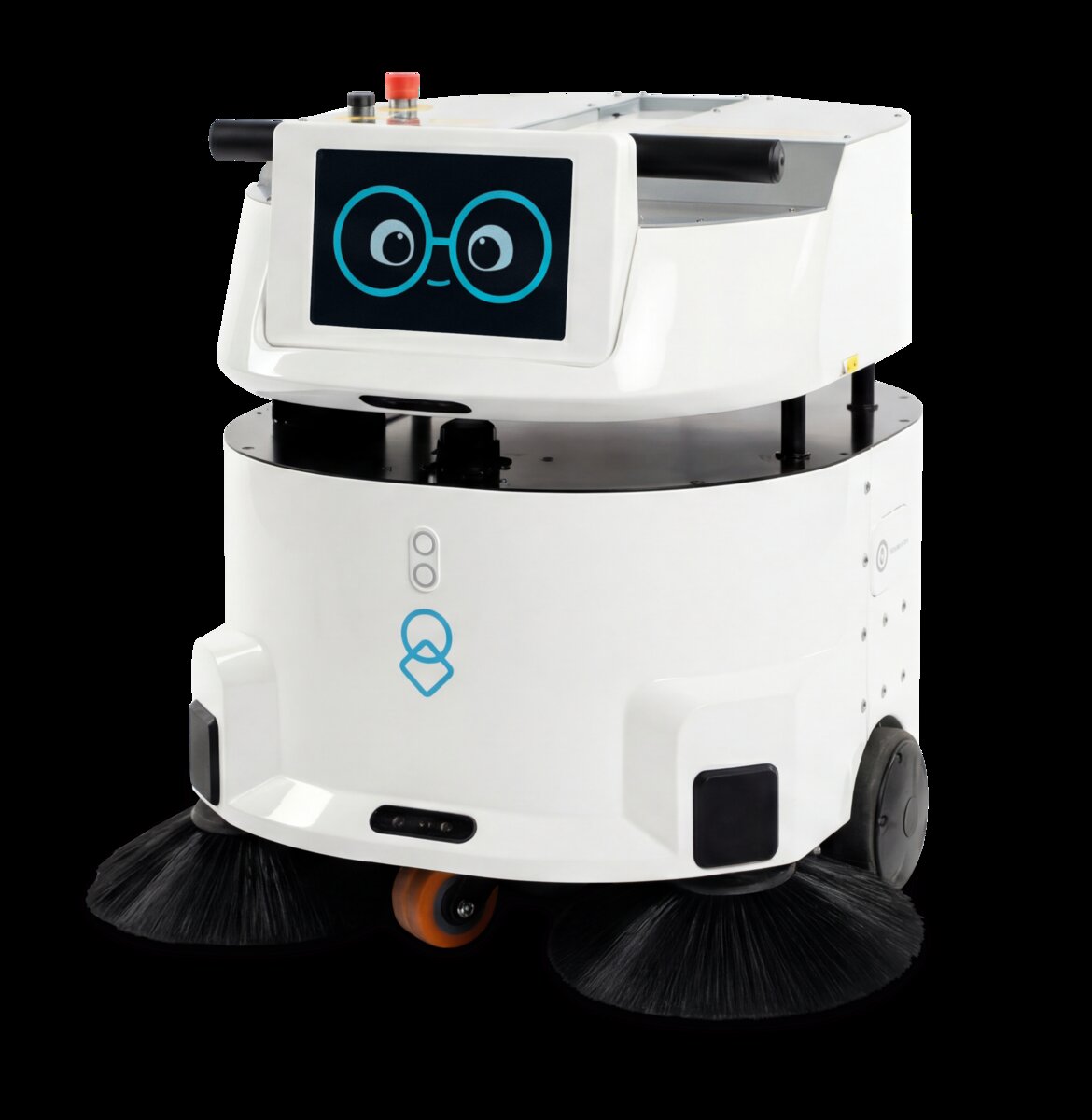
The Multi-Robot Challenge
Operating a single autonomous robot—whether for cleaning, delivery, or hospitality—streamlines facility operations and improves efficiency. But managing multiple robots across different functions introduces complexity that most facility managers weren't trained to handle. When you have uClean robots handling floor maintenance, uLog delivery robots moving supplies through corridors, and uServe robots clearing tables in your café, coordination becomes critical.
The challenge isn't just preventing collisions or managing charging schedules. It's about optimizing the entire ecosystem: ensuring robots don't interfere with each other's routes, that downtime from one robot type doesn't cascade into facility-wide disruptions, and that your staff can manage everything from a single interface rather than jumping between multiple dashboards.
This guide walks you through best practices for multi-robot fleet management, from planning your initial deployment to scaling beyond ten robots.
Centralized Monitoring & Dashboards
The first rule of multi-robot management: consolidate visibility. A facility manager should be able to see the status of every robot, every task, and every alert from one central dashboard.
What You Need to Monitor
- Live location tracking – Know where each robot is in real-time to prevent congestion and optimize traffic flow
- Battery levels & charging status – Predict when robots need dock time and schedule maintenance windows accordingly
- Active task status – Which robots are idle, which are in progress, and which are waiting for input
- Maintenance alerts – Early warnings for filter changes, brush wear, battery health, and mechanical issues
- Performance metrics – Utilization rates, task completion times, and incident logs
- Environmental conditions – Temperature, humidity, and floor conditions that affect robot performance
Pro Tip: Customizable Alerts
Configure dashboard alerts to notify staff only about actionable issues. Too many notifications lead to alert fatigue. Set thresholds for low battery, missed check-ins, and maintenance overdue tasks, but keep daily operational logs accessible without triggering alarms.
Most modern robot platforms provide cloud-based management interfaces that integrate data from all robot types in your facility. This unified view is essential—without it, you're managing separate silos of information and likely missing optimization opportunities.
Scheduling Across Robot Types
Different robots have different operational windows and peak-use periods. A uClean robot typically runs during off-hours (early morning or late evening), while uLog delivery robots need to operate throughout the day, and uServe robots activate during meal service. Scheduling becomes an optimization problem: maximize productivity while minimizing conflicts and downtime.
| Robot Type | Typical Operating Window | Peak Hours | Charging Needs |
|---|---|---|---|
| uClean (C-Dry, L-Dry, Omnie) | Off-hours / Low-occupancy | 5-7 AM, 9-11 PM | 2-4 hours per 8-hour shift |
| uLog (Deliver 80/150/300) | 24/7 (peak daytime) | 8 AM-6 PM | 1-2 hours per 12-hour shift |
| uServe | Meal service hours | 11:30 AM-1 PM, 5-7 PM | 1 hour per meal service |
| uLearn (NAO) | Class sessions | 9 AM-3 PM | Overnight charging |
Building an Intelligent Schedule
- Time-slot allocation – Reserve specific time windows for each robot type to avoid conflicts. For example, uClean operates 5-6 AM and 10-11 PM; uLog operates during business hours; uServe handles meal periods.
- Buffer time – Build 15-30 minute buffers between scheduled tasks for robot repositioning, unexpected delays, and staff interventions.
- Dynamic rerouting – Modern robot systems can dynamically adjust routes to avoid congestion. Monitor real-time bottlenecks and use the dashboard to manually adjust schedules if needed.
- Maintenance windows – Schedule preventive maintenance during periods of lowest operational demand. Don't service robots during peak operational hours.
- Charging optimization – Spread charging across multiple dock stations if available. Never fully deplete batteries—aim for 20-80% operational range to extend battery lifespan.
Maintenance & Uptime Management
In a multi-robot facility, even a single robot down for maintenance can cascade into operational inefficiencies. If your primary uLog robot is in service, critical medical deliveries slow down. A broken uClean robot means manual floor maintenance overhead. Maintenance strategy must balance preventive care with uptime requirements.
Preventive Maintenance Schedule
To achieve 95%+ uptime with multiple robots, consider maintaining redundancy. If you operate 5 robots, plan for 4 being operational at any given time. This buffer absorbs unexpected failures, scheduled maintenance, and repairs without impacting facility operations.
Staffing Models for Multi-Robot Operations
How many people do you need to manage a multi-robot fleet? The answer depends on facility size, robot count, and automation level. However, most facilities don't need dedicated robot operators—rather, existing staff take on monitoring and maintenance duties.
Staffing Approaches
Model 1: Distributed Responsibility (1-3 robots)
A facilities manager monitors robots as part of broader duties. Daily maintenance takes 15-20 minutes; troubleshooting is handled ad-hoc. Works best for small deployments with minimal interdependency.
Model 2: Shared Oversight (4-8 robots)
A dedicated part-time "robot coordinator" (4-8 hours/week) handles scheduling, maintenance, and escalation. This person might be a facilities technician or building operator who spends 50% of their time on robot fleet management and 50% on other duties. This model introduces consistency and prevents operational gaps.
Model 3: Dedicated Robot Operations (8+ robots)
A full-time robot operations specialist manages the entire fleet. This person monitors dashboards, schedules maintenance, coordinates with vendors, and optimizes robot deployment across the facility. At scale (15+ robots), consider a small team.
Key Insight: Staff Training
Regardless of model, all facility staff should receive basic robot safety and operation training. Understand the robots' capabilities, communication signals, and emergency stop procedures. This prevents accidents and enables quick escalation when issues arise.
Scaling from 1 to 10+ Robots
Scaling a multi-robot facility is not a linear process. Moving from 1 robot to 3 is straightforward—you add robots and adjust schedules. But scaling from 5 to 10 robots requires infrastructure investments and operational redesign.
Phase 1: Single Robot (Proof of Concept)
- Focus on optimizing the first robot's performance and learning operational nuances
- Minimal staffing required—monitor as part of existing duties
- Single charging dock adequate
- Manual scheduling; no advanced coordination needed
Phase 2: 2-3 Robots (Operational Expansion)
- Introduce a second robot type to address additional operational needs
- Implement centralized dashboard for multi-robot monitoring
- Add second charging dock; coordinate maintenance schedules
- Begin documenting procedures and protocols
Phase 3: 4-8 Robots (Optimization & Standardization)
- Hire part-time robot coordinator; define clear escalation procedures
- Implement sophisticated scheduling to avoid conflicts
- Set up redundancy for critical robot types
- Invest in advanced analytics and performance tracking
- Establish preventive maintenance program with scheduled service windows
Phase 4: 9+ Robots (Advanced Fleet Management)
- Full-time robot operations team; consider multiple specialists by robot type
- Dedicated facility infrastructure: charging stations, maintenance bays, storage areas
- Automated scheduling optimization; AI-driven route planning
- Real-time fleet analytics and predictive maintenance
- Integration with facility management systems (HVAC, access control, etc.)
Real-World Fleet Deployment Case Studies
Hospital Multi-Robot Strategy: 12-Robot Deployment
A 300-bed healthcare facility deployed uLog robots for pharmacy, linen, and meal delivery; uClean robots for floor maintenance; and uLab robots in the laboratory. The result:
- Improved delivery time by 40% (previously manual staff delivery took 10-15 minutes per route; robots complete it in 6-8 minutes)
- Reduced floor maintenance labor by 30 hours/week
- Maintained 96% uptime through redundancy and preventive maintenance
- Required one full-time robot operations manager plus part-time nursing staff (2 hours/shift) for task input
University Education Deployment: 8-Robot Classroom Fleet
A university added 8 uLearn NAO robots to STEM programs across 6 classrooms. Coordination challenges:
- Robots shared across multiple classes; scheduling was critical to avoid conflicts
- Each robot required 1-2 hours of setup/breakdown per week
- Dedicated tech specialist (0.5 FTE) managed inventory, charging, and maintenance
- Result: 240+ students engaged per semester with hands-on robotics education
Key Metrics & Performance Tracking
What should you measure? Track these metrics to ensure your multi-robot fleet is performing optimally:
| Metric | Target Range | Why It Matters |
|---|---|---|
| Uptime % | 94-98% | Indicates reliability and maintenance effectiveness. Below 90% suggests inadequate preventive care. |
| Task Completion Rate | 92-99% | Percentage of assigned tasks completed without human intervention. Lower rates indicate scheduling or capability issues. |
| Average Battery Health | 85-95% | Battery degradation over time. Below 80% suggests need for replacement or operational adjustment. |
| Mean Time Between Failures (MTBF) | 500+ hours | How long before a robot requires unplanned maintenance. Higher MTBF indicates better engineering and care. |
| Maintenance Cost / Robot | $1,500-3,000 / year | Track maintenance spending per robot to identify problem units or maintenance inefficiencies. |
| Staff Hours / Robot / Week | 1-3 hours | Labor investment for managing and maintaining each robot. Helps optimize staffing model. |
Ready to Deploy a Multi-Robot Fleet?
URG Americas provides comprehensive robot systems, training, and ongoing support to help you build and manage a successful multi-robot facility. Whether you're deploying your first uClean, uLog, or uServe robot, or scaling to 10+, we'll help you optimize every step.
Get Your Fleet Strategy StartedConclusion
Managing multiple autonomous robots requires planning, infrastructure, and staffing strategy. Start with a clear understanding of your operational goals and facility constraints. Invest in centralized monitoring dashboards. Build maintenance and scheduling discipline from day one. Scale gradually, adding infrastructure and staffing as your fleet grows. By following these best practices, you'll achieve the efficiency gains robots promise while maintaining high uptime and staff satisfaction.