Aldebaran NAO cloud services end October 1, 2026 — update your NAO6 before the deadline. We can help.
Important notice for NAO6 owners

The Aldebaran NAO cloud is shutting down. We’ll help you make the switch.

On October 1, 2026, Aldebaran cloud services are permanently discontinued. Every NAO6 robot must be updated to the new Maxtronics cloud to keep using the App Store, software updates, and remote ASR. No matter where you bought your NAO, URG Americas is here to help you through it — and to keep your robot running for years to come.
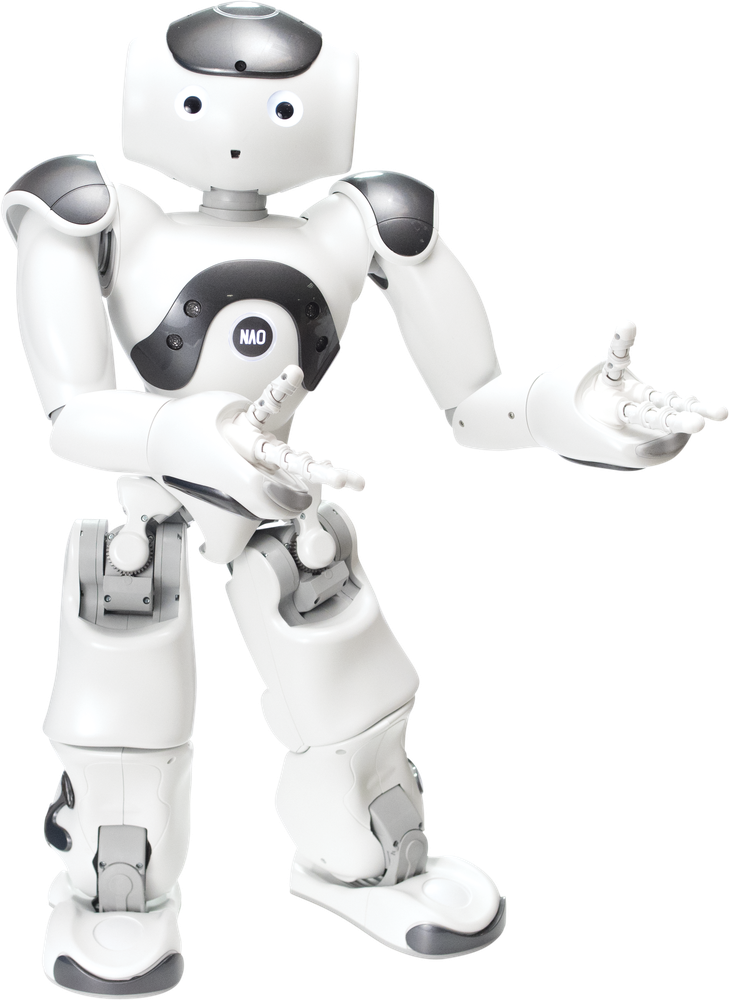
NAO humanoid robot

What’s changing on October 1, 2026

Maxtronics is taking over the NAO cloud infrastructure with new services dedicated to NAO6. As part of that transition, the legacy Aldebaran cloud will be permanently discontinued on October 1, 2026.

Any NAO6 that has not been updated before the deadline will lose access to cloud services — including the Application Store, software updates, and Remote ASR (speech recognition). Maxtronics recommends updating before the end of September 2026 to be safe.

The good news: the update is straightforward, your installed applications are unaffected, and all your apps have already been migrated to the new cloud database. If you’d rather not do it alone, we’ll walk you through every step.

How URG Americas helps

We know NAO inside and out, and we support owners across the country — regardless of which reseller you originally purchased from.

Free migration guidance

Step-by-step help moving your NAO6 to the new Maxtronics cloud, so you don’t miss the deadline or lose access.

White-glove migration

Short on time or managing a fleet? We’ll handle the update and account recovery for you as a done-for-you service.

Health check & repairs

While we’re at it, we’ll check your robot’s condition and handle any needed repairs, batteries, or parts.

Setup & training

New to NAO or onboarding new staff? We provide setup, configuration, and hands-on training for your team.

New units & trade-ups

Ready to expand or refresh your fleet? We can quote new NAO units and other robots from the URG family.

Any NAO, any reseller

Bought from RobotLab or another third party? It doesn’t matter — we’re happy to support your robot.

Ask us about a free month of the new GenAI-powered NAO Activities when you migrate.

How the update works

If you’d like to do it yourself, here are the basic steps. Reach out any time you get stuck and we’ll jump in.

  1. Connect your NAO to the internet and open the desktop tool “Robot Settings.”
  2. Accept and install the proposed update in Robot Settings.
  3. Sign in to the new app store at cloud.nao6.maxtronics.com. Existing users can recover their account with “Forgot password?”
  4. You’re done. Your installed applications are unaffected, and all apps have already been migrated to the new cloud — no manual re-upload needed.

Official resources from Maxtronics: step-by-step update guide · Maxtronics support request. Prefer to have us handle it? Request help below.

Frequently asked questions

Will I lose my applications?

No. The new software update has no impact on your installed applications, and all apps have already been migrated to the new cloud database.

Do I have to buy anything to get help?

No. Migration guidance is free. Optional services — done-for-you migration, repairs, setup, training, or new units — are available if you want them.

I bought my NAO from RobotLab (or another reseller). Can you still help?

Absolutely. We support NAO owners regardless of where the robot was originally purchased.

What’s the deadline?

Aldebaran cloud services end October 1, 2026. We recommend completing your update before the end of September 2026.

Get migration help

Tell us about your NAO and how we can help. We’ll get back to you quickly with next steps.

How can we help?